

dengan ini cara memasang Widget di wordpress dapat dengan mudah di kembangkan, Contoh gambar widget yang memarik
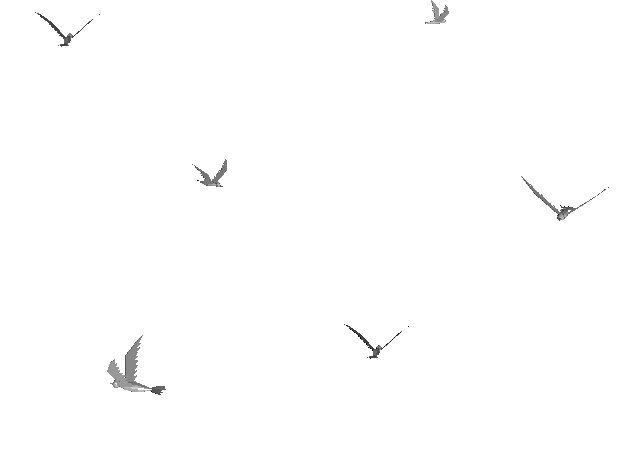
1.Burung Terbang
Copy Code Di bawah
<div style=”position: fixed; top: 0px; left: 10px;width:225px;height:160px;”><a href=”https://forumblogs.wordpress.com/2013/06/26/cara-memasang-animasi-di-wordpress ” title=”Memasang” target=”_blank”><img alt=”animasi blog” src=”http://i567.photobucket.com/albums/ss114/fatiasa/bird_ann.gif ” /></a></div>
2. Kakek GAUL
Copy Code Di bawah
<div style=”position: fixed; bottom: 0px; left: 10px;”><a href=”https://forumblogs.wordpress.com/2013/06/26/cara-memasang-animasi-di-wordpress ” target=”_blank”><img alt=”Memasang” src=”https://forumblogs.files.wordpress.com/2013/06/16003210262.gif ” title=”Memasang”width=”192″ height=”144″ /></a>

3. Champion Ship
Copy Code Di bawah
<div style=”position: fixed; bottom: 0px; left: 10px;width:125px;height:160px;”><a href=”https://forumblogs.wordpress.com/2013/06/26/cara-memasang-animasi-di-wordpress ” target=”_blank”><img alt=”Memasang” src=”http://content.sweetim.com/sim/cpie/emoticons/0002068C.gif ” title=”Memasang” /></a><small><center><a href=”https://forumblogs.wordpress.com/2013/06/26/cara-memasang-animasi-di-wordpress ” target=”_blank”></a></center></small></div>
4. Baby
Copy Code Di bawah
<div style=”position: fixed; bottom: 0px; right: 20px;width:82px;height:160px;”><a href=”https://forumblogs.wordpress.com/2013/06/26/cara-memasang-animasi-di-wordpress ” target=”_blank”><img alt=”Memasang” src=”http://content.sweetim.com/sim/cpie/emoticons/0002031F.gif ” title=”Memasang” /></a><small><center><a href=”https://forumblogs.wordpress.com/2013/06/26/cara-memasang-animasi-di-wordpress ” target=”_blank”></a></center></small></div>
5. Kelinci
Copy Code Di bawah
<div style=”position: fixed; bottom: 0px; left: 10px;width:125px;height:160px;”><a href=”https://forumblogs.wordpress.com/2013/06/26/cara-memasang-animasi-di-wordpress ” target=”_blank”><img alt=”Memasang” src=”http://content.sweetim.com/sim/cpie/emoticons/000203A0.gif ” title=”Memasang” /></a><small><center><a href=”https://forumblogs.wordpress.com/2013/06/26/cara-memasang-animasi-di-wordpress ” target=”_blank”></a></center></small></div>
6. Fish
Copy Code Di bawah
<div style=”position: fixed; bottom: 0px; left: 10px;width:100px;height:130px;”><a href=”https://forumblogs.wordpress.com/2013/06/26/cara-memasang-animasi-di-wordpress ” target=”_blank”><img alt=”Memasang” src=”http://content.sweetim.com/sim/cpie/emoticons/00020479.gif ” title=”Memasang” /></a><small><center><a href=”https://forumblogs.wordpress.com/2013/06/26/cara-memasang-animasi-di-wordpress ” target=”_blank”></a></center></small></div>
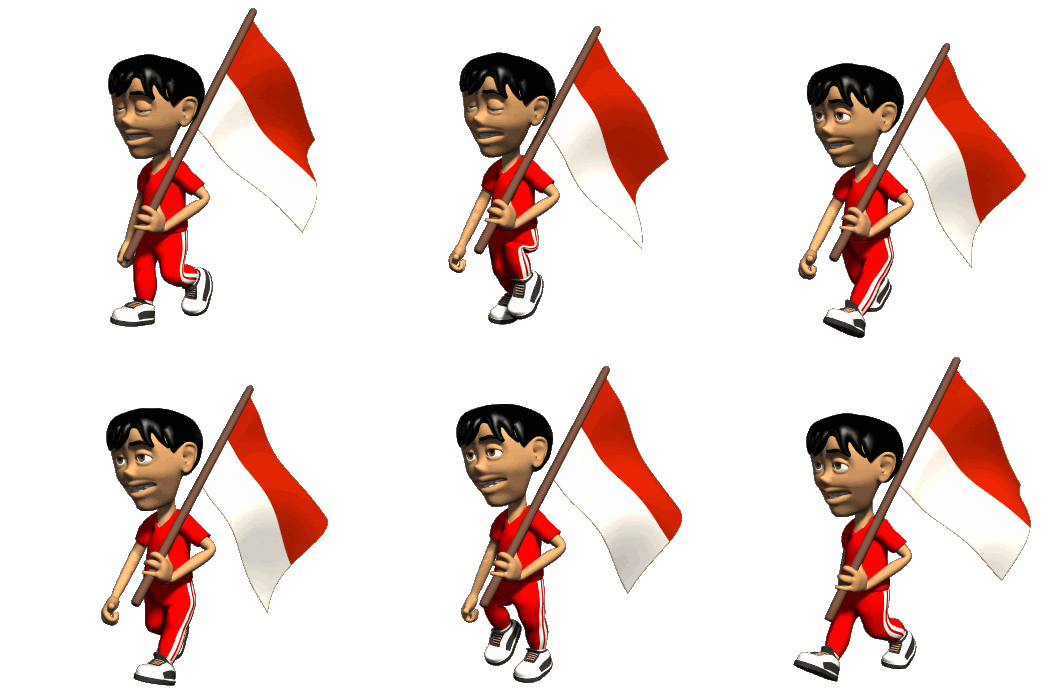
7. Gundam Beraksi
<div style=”position: fixed; bottom: 0px; left: 10px;” href=”https://forumblogs.wordpress.com/2013/06/26/cara-memasang-animasi-di-wordpress” > <img alt=”indonesia_flag_gif” src=”https://forumblogs.files.wordpress.com/2013/06/indonesia_flag_gif.gif ” title=”Memasang” width=”210″ height=”210″ /></a>
8. Nemo
Copy Code Di bawah
<div style=”bottom: 0px; height: 160px; left: 10px; position: fixed; width: 130px;”>
<a href=”https://forumblogs.wordpress.com/2013/06/26/cara-memasang-animasi-di-wordpress ” target=”_blank”><img alt=”Memasang” src=”http://i1082.photobucket.com/albums/j380/faris65/SuRyD.gif ” title=”Memasang” /></a><small</small> <center> <small><a href=”https://forumblogs.wordpress.com/2013/06/26/cara-memasang-animasi-di-wordpress ” target=”_blank”></a></small</center> </div>
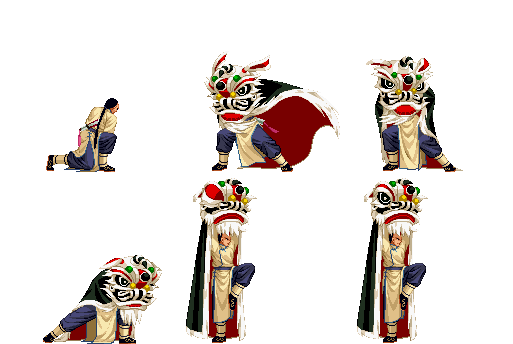
9. Barongsai
Copy Code Di bawah
<div style=”bottom: 0px; height: 160px; left: 10px; position: fixed; width: 130px;”> <a href=”https://forumblogs.wordpress.com/2013/06/26/cara-memasang-animasi-di-wordpress ” target=”_blank”><img alt=”animasi bergerak gif” border=”0″ src=”http://i1082.photobucket.com/albums/j380/faris65/Barongsai-1.gif ” title=”Memasang” /></a><small></small> <center> <small><a href=”https://forumblogs.wordpress.com/2013/06/26/cara-memasang-animasi-di-wordpress ” target=”_blank”></a></small></center> </div>
10. Goyang
Copy Code Di bawah
<div style=”position: fixed; bottom: 0px; left: 10px;width:110px;height:130px;”><a href=”https://forumblogs.wordpress.com/2013/06/26/cara-memasang-animasi-di-wordpress ” target=”_blank”><img alt=”animasi blog” src=”http://www.javapic.com/images/97750430929323597589.gif ” title=”Memasang” /></a><small><center><a href=”https://forumblogs.wordpress.com/2013/06/26/cara-memasang-animasi-di-wordpress ” target=”_blank”></a></center></small></div>
11. Ngupil
Copy Code Di bawah
<div style=”bottom: 0px; height: 160px; left: 10px; position: fixed; width: 130px;”>
<a href=”https://forumblogs.wordpress.com/2013/06/26/cara-memasang-animasi-di-wordpress ” target=”_blank”><img alt=”animasi bergerak gif” border=”0″ src=”http://i1082.photobucket.com/albums/j380/faris65/Dup3ngupil.gif ” title=”Memasang” /></a><small></small>
<center>
<small><a href=”https://forumblogs.wordpress.com/2013/06/26/cara-memasang-animasi-di-wordpress ” target=”_blank”></a></small></center></div>
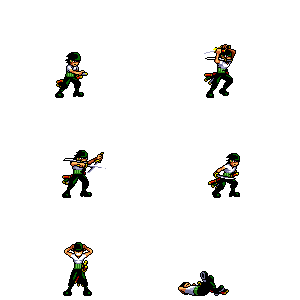
12. Zorro (One Piece)
Copy Code Di bawah
<div style=”bottom: 0px; height: 160px; left: 10px; position: fixed; width: 130px;”>
<a href=”https://forumblogs.wordpress.com/2013/06/26/cara-memasang-animasi-di-wordpress ” target=”_blank”><img alt=”animasi bergerak gif” border=”0″ src=”http://i1082.photobucket.com/albums/j380/faris65/zoroattack.gif ” title=”Memasang” /></a><small></small>
<center>
<small><a href=”https://forumblogs.wordpress.com/2013/06/26/cara-memasang-animasi-di-wordpress ” target=”_blank”></a></small></center></div>
13. Dragon
Copy Code Di bawah
<div style=”position: fixed; bottom: 0px; left: 10px;width:150px;height:130px;”><a href=”https://forumblogs.wordpress.com/2013/06/26/cara-memasang-animasi-di-wordpress ” target=”_blank”><img alt=”animasi blog” src=”http://content.sweetim.com/sim/cpie/emoticons/00020478.gif ” title=”Memasang” /></a><small><center><a href=”https://forumblogs.wordpress.com/2013/06/26/cara-memasang-animasi-di-wordpress ” target=”_blank”></a></center></small></div>
14. Hujan
Copy Code Di bawah
<div style=”bottom: 0px; height: 160px; left: 10px; position: fixed; width: 130px;”>
<a href=”https://forumblogs.wordpress.com/2013/06/26/cara-memasang-animasi-di-wordpress ” target=”_blank”><img alt=”animasi bergerak gif” border=”0″ src=”http://i1082.photobucket.com/albums/j380/faris65/hujan.gif ” title=”Memasang” /></a><small></small>
<center><small><a href=”https://forumblogs.wordpress.com/2013/06/26/cara-memasang-animasi-di-wordpress ” target=”_blank”></a></small></center>
</div>
15. Panah
Copy Code Di bawah
<div style=”position: fixed; bottom: 0px; left: 10px;width:210px;height:120px;”><a href=”https://forumblogs.wordpress.com/2013/06/26/cara-memasang-animasi-di-wordpress ” target=”_blank”><img alt=”animasi blog” src=”http://content.sweetim.com/sim/cpie/emoticons/00020236.gif ” title=”Click to get more.” /></a><small><center><a href=”https://forumblogs.wordpress.com/2013/06/26/cara-memasang-animasi-di-wordpress ” target=”_blank”></a></center></small></div>
16. Angri
Copy Code Di bawah
<div style=”position: fixed; bottom: 0px; left: 10px;width:125px;height:160px;”><a href=”https://forumblogs.wordpress.com/2013/06/26/cara-memasang-animasi-di-wordpress ” target=”_blank”><img alt=”animasi blog” src=”http://content.sweetim.com/sim/cpie/emoticons/00020309.gif ” title=”Memasang” /></a><small><center><a href=”https://forumblogs.wordpress.com/2013/06/26/cara-memasang-animasi-di-wordpress ” target=”_blank”></a></center></small></div>
17. Angri Monkey
Copy Code Di bawah
<div style=”bottom: 0px; height: 160px; left: 10px; position: fixed; width: 130px;”>
<a href=”https://forumblogs.wordpress.com/2013/06/26/cara-memasang-animasi-di-wordpress ” target=”_blank”><img alt=”animasi bergerak gif” border=”0″ src=”http://i1082.photobucket.com/albums/j380/faris65/jedug.gif ” title=”Memasang” /></a><small></small>
<center>
<small><a href=”https://forumblogs.wordpress.com/2013/06/26/cara-memasang-animasi-di-wordpress ” target=”_blank”></a></small></center></div>









Tidak ada komentar:
Posting Komentar